

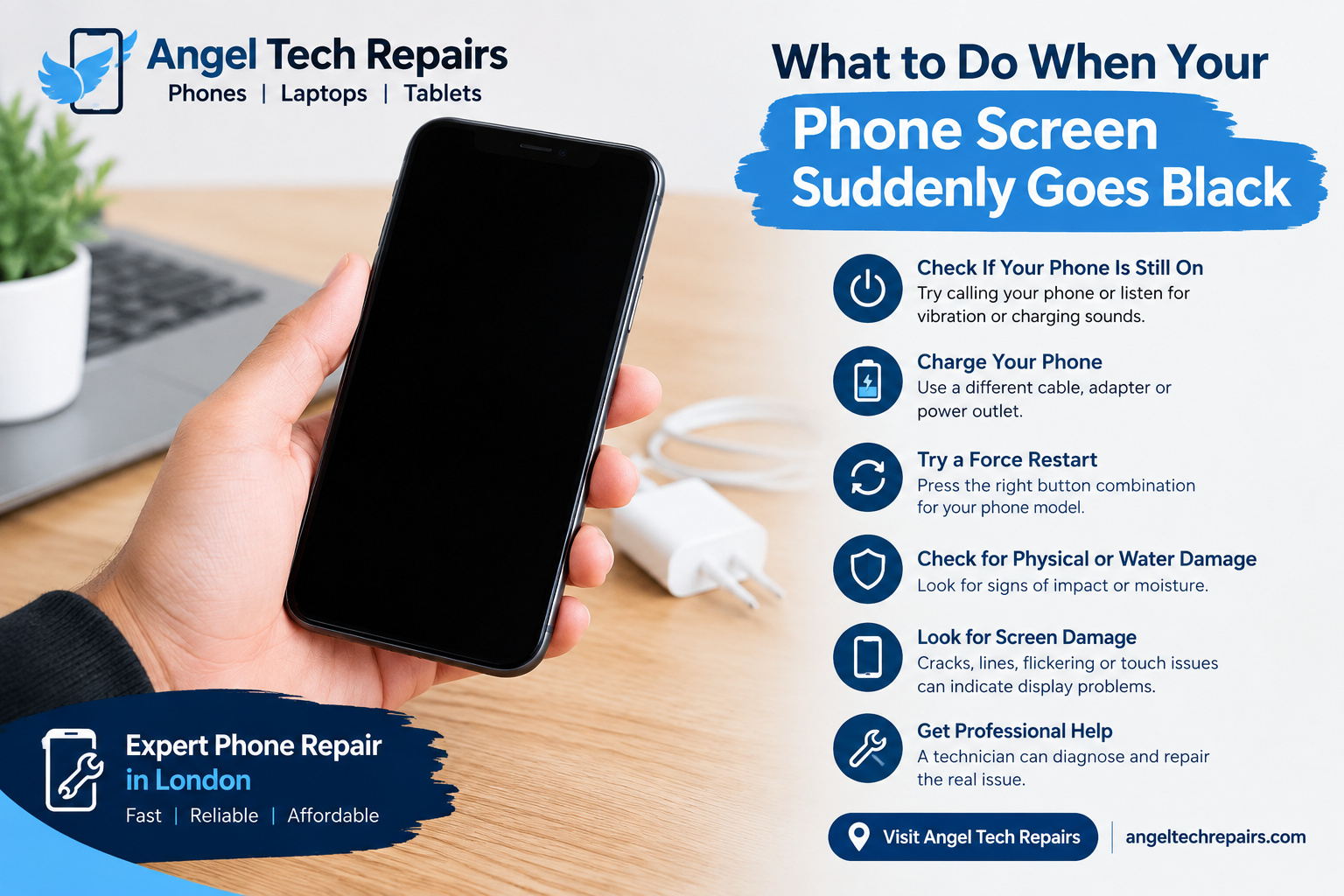
What to Do When Your Phone Screen Suddenly Goes Black
Introduction
A phone screen that suddenly goes black can be worrying, especially when you are in the middle of an important call, message, or task. In some cases, the phone may simply have frozen or run out of battery. However, a black screen can also be caused by a damaged display, battery problem, software issue, or internal hardware fault.
Before assuming your phone needs a screen replacement, there are several simple things you can try.
Check If Your Phone Is Still On
First, check whether the phone is actually switched off or if only the screen has stopped working.
Try calling your phone from another device. You can also connect it to a charger and listen for charging sounds or check for vibration. If the phone rings or vibrates but the screen remains black, the problem may be related to the display rather than the entire phone.
Charge Your Phone
A completely drained battery can make the screen appear black.
Connect your phone to a reliable charger and leave it for at least 15 to 30 minutes. If possible, try a different charging cable, adapter, or power outlet. A damaged charging accessory can prevent the phone from receiving enough power.
If the phone still shows no signs of life after charging, there may be a battery, charging port, or internal hardware problem.
Try a Force Restart
Sometimes a phone becomes temporarily frozen because of a software problem. A force restart can help bring the display back without deleting your personal data.
The exact button combination depends on your phone model. For many modern smartphones, you need to press a combination of the volume and power buttons for several seconds.
If the phone restarts and the screen works normally again, the issue may have been a temporary software freeze.
Check for Physical or Water Damage
Think about what happened before the screen went black.
Was the phone recently dropped? Did it hit a hard surface? Has it been exposed to water or moisture?
Even when the glass is not visibly cracked, an impact can damage the display or its internal connection. Water or moisture can also affect internal components and cause the screen to stop working.
If your phone has suffered water damage, avoid repeatedly trying to turn it on or charge it. Professional inspection can help prevent further damage.
Look for Screen Damage
A black display may be caused by a damaged screen assembly. You might notice other signs such as:
- Cracks or visible damage
- Lines appearing on the display
- Flickering before the screen went black
- Touchscreen problems
- A display that works only occasionally
- A completely black screen while the phone still vibrates or receives calls
These symptoms can indicate that the display needs professional attention.
Connect the Phone to a Computer
If your phone is not displaying anything but appears to be working, connecting it to a computer may provide another clue.
If the computer recognises the phone, the device itself may still be functioning even though the display is not working. However, this does not necessarily mean the problem can be fixed through software.
A professional technician can inspect the phone and determine whether the issue is related to the screen, battery, charging system, or another internal component.
Avoid Trying Risky DIY Repairs
Opening a smartphone without the correct tools and experience can cause additional damage. Modern phones contain delicate components, cables, batteries, and display connections.
Avoid forcing the phone open or attempting to disconnect internal components yourself. If the screen has suddenly stopped working, professional phone repair is generally a safer option.
When Should You Get Professional Phone Repair?
If charging, restarting, and basic troubleshooting do not bring the display back, professional diagnosis may be necessary.
A repair technician can check the phone for display damage, battery faults, charging problems, loose connections, or other hardware issues. Depending on the problem, the solution could involve a screen repair, screen replacement, battery service, charging-port repair, or another component repair.
Getting the phone diagnosed before replacing parts can help identify the actual cause of the black screen.
Same-Day Phone Repair in London
A phone with a black screen can make everyday communication difficult. If you are in London and your phone screen suddenly stops working, getting professional help can save time and prevent further damage.
Angel Tech Repairs provides phone and device repair services in London. Their technicians can inspect common smartphone problems and advise on the appropriate repair.
Final Thoughts
A phone screen that suddenly goes black does not always mean the phone is permanently damaged. Start by checking the battery, charging the device, and trying a force restart. If the phone still appears to be working but the screen remains black, the display or another internal component may need professional attention.
Avoid unnecessary DIY repairs and have the device properly diagnosed so the underlying problem can be identified and repaired.
If it needs a technician, our phone repair in Islington page explains what we fix and how the free quote works, or you can book a repair online.