

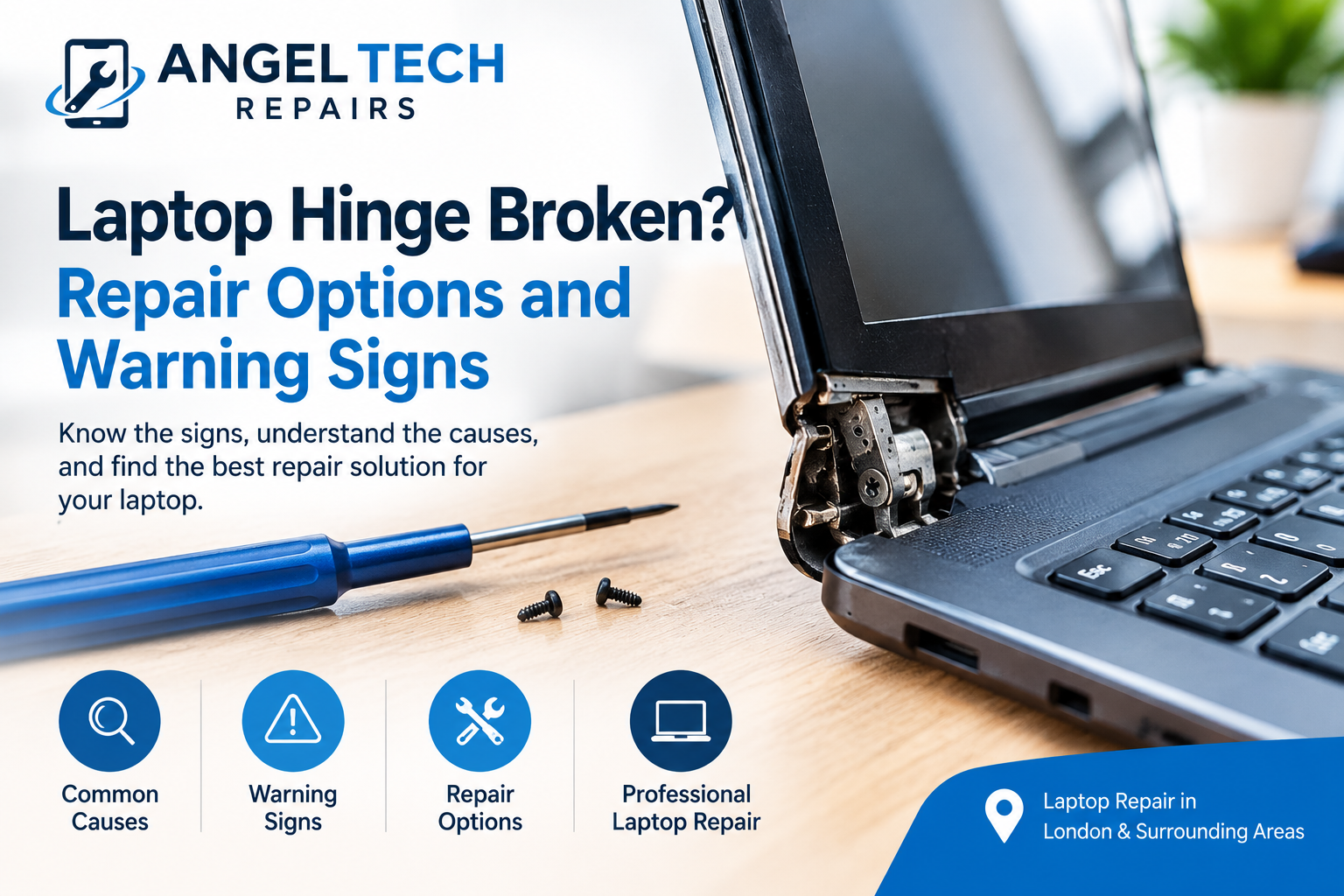
Laptop Hinge Broken? Repair Options and Warning Signs
Introduction
A laptop is designed to open and close smoothly, allowing you to work, study, and travel comfortably. However, after regular use, the hinges that connect the screen to the laptop body can become loose, stiff, or damaged. A broken laptop hinge may seem like a small problem at first, but ignoring it can lead to further damage to the screen and surrounding casing.
Whether your laptop lid makes a cracking sound, feels difficult to open, or no longer stays in position, recognising the warning signs early can help you avoid more extensive repairs.
In this guide, we explain the common causes of laptop hinge damage, the signs to watch for, and the repair options available. If you need professional assistance, Angel Tech Repairs is a useful place to explore laptop repair services.
What Causes a Laptop Hinge to Break?
Laptop hinges experience repeated movement every time you open or close your device. Over time, regular wear, accidental damage, and problems with the hinge mounting points can affect how smoothly the screen moves.
Here are some common causes of laptop hinge damage.
1. Everyday Wear and Tear
Frequent opening and closing can gradually wear down the hinge mechanism and its mounting points. Older laptops may develop stiffness, looseness, or unusual noises as their components wear.
2. Opening the Laptop Incorrectly
Opening the screen from one corner instead of near the centre can place uneven pressure on the hinges. Repeated stress may contribute to damage, particularly if the mounting points are already weak.
3. Accidental Drops and Impacts
Dropping a laptop or hitting the screen against a hard surface can damage the hinge assembly or crack the surrounding plastic casing.
4. Stiff or Faulty Hinges
A hinge that becomes unusually stiff can put additional pressure on the casing when the screen moves. If the hinge or its mounting points are damaged, continuing to force the lid may make the problem worse.
5. Damaged Mounting Points
The hinges are secured to the laptop’s display cover or base using screws and mounting structures. If these structures break or loosen, the hinge may pull away from the casing even when the metal hinge itself remains intact.
Understanding the cause helps a technician determine whether the laptop needs a hinge replacement, casing repair, or a combination of repairs.
Warning Signs of a Broken Laptop Hinge
A laptop hinge does not always fail completely at once. Several early warning signs can indicate that it needs attention.
The Laptop Lid Is Difficult to Open or Close
If you suddenly need more force than usual to move your laptop screen, the hinges may be stiff or damaged. Avoid forcing the lid, as this can put additional pressure on the surrounding casing.
Cracking or Clicking Sounds
Unusual clicking, popping, or cracking sounds near the hinge area may indicate loose components or broken mounting points. These sounds should not be ignored, especially if they occur every time you move the screen.
The Screen Wobbles
A screen that moves excessively or fails to remain at the selected angle may have loose hinges or damaged mounting points. This can make everyday laptop use uncomfortable and may indicate a developing hardware problem.
The Plastic Casing Starts Separating
Look for gaps around the screen frame or near the hinge corners. If the plastic casing begins to separate when the lid opens, the hinge may be pulling away from its mounting points.
The Screen Flickers When You Move the Lid
A damaged hinge assembly can place stress on nearby display cables. If the screen flickers, develops lines, or goes black when the lid moves, stop adjusting it and arrange a professional inspection.
Can a Broken Laptop Hinge Be Repaired?
Yes, many broken laptop hinges can be repaired. The correct solution depends on the laptop model and the extent of the damage.
1. Tightening Loose Hinge Screws
If the hinge is intact and the mounting points are undamaged, a technician may be able to secure loose screws and restore stable movement.
However, tightening screws alone will not solve the problem if the mounting points are cracked or stripped.
2. Replacing the Damaged Hinge
If the hinge mechanism is broken, worn, or no longer moves correctly, replacing it may be the best option. The replacement part must be compatible with the exact laptop model.
A technician will normally inspect both hinges and their mounting points to determine whether one or both need replacement.
3. Repairing the Laptop Casing
Sometimes the metal hinge is still functional, but the plastic or other material holding it in place has cracked. Depending on the design and the extent of the damage, the mounting area may be repairable or the damaged casing may need replacement.
The repair method should provide adequate support for the hinge rather than simply covering the visible crack.
4. Replacing the Display Cover or Base
If the casing is severely damaged, replacing the affected cover or base may be more reliable than attempting to rebuild broken mounting points.
The technician should also check the display panel and internal cables for damage before completing the repair.
5. Repairing Related Screen or Cable Damage
In more serious cases, hinge damage may affect the display cable or screen assembly. If you notice flickering, distorted images, or a black screen alongside hinge problems, additional repairs may be necessary.
A proper inspection helps identify all affected components before work begins.
Should You Repair or Replace Your Laptop?
A broken hinge does not automatically mean you need a new laptop. In many cases, repairing the hinge is a sensible option, particularly if the computer still performs well.
Consider these factors before making a decision:
- Laptop age: A relatively modern laptop may be worth repairing if the rest of the device is in good condition.
- Extent of damage: A simple hinge replacement may be more practical than replacing a damaged display assembly and casing.
- Repair cost: Request a quote based on the exact laptop model and the parts required.
- Overall performance: If your laptop also has battery, motherboard, or performance problems, compare the total repair cost with the cost of a replacement device.
- Parts availability: Some laptop models have readily available replacement hinges, while others require more specialised parts.
Ask the repair technician to explain the damage and provide a repair estimate before approving the work.
What Should You Do If Your Laptop Hinge Breaks?
If you suspect that your laptop hinge is damaged, taking a few precautions can help prevent the problem from becoming worse.
- Stop forcing the screen: Do not repeatedly open and close the lid to test the hinge.
- Avoid pressing the casing back into place: This may put additional pressure on the screen or internal components.
- Keep the screen in a stable position: If the lid is loose or separating, avoid unnecessary movement.
- Back up important files if safe to do so: If the laptop still works and you can use it without moving the damaged hinge, back up your data.
- Arrange a professional inspection: A technician can identify whether the hinge, mounting points, casing, or display cables need attention.
Avoid relying on household glue as a permanent repair. Hinges experience repeated mechanical stress, and an unsuitable adhesive may fail or make a future repair more difficult.
How to Prevent Laptop Hinge Damage
Although hinges naturally experience wear, a few simple habits can help reduce unnecessary stress.
- Open and close your laptop gently.
- Hold the screen near the centre when opening it.
- Avoid carrying the laptop by its display.
- Do not force the screen beyond its intended opening angle.
- Use a protective laptop bag when travelling.
- Seek attention if the hinge becomes stiff or starts making unusual noises.
- Avoid continuing to use a laptop with a visibly separating hinge.
Regular care can help extend the life of your laptop and reduce the likelihood of avoidable physical damage.
Professional Laptop Hinge Repair at Angel Tech Repairs
A broken laptop hinge can affect more than the way your laptop opens and closes. If the problem is ignored, it may put additional stress on the display assembly, casing, and nearby cables.
At Angel Tech Repairs, you can explore repair services for your laptop and other electronic devices. If your hinge is stiff, loose, cracked, or pulling away from the casing, contact the business to ask about diagnosis, compatible replacement parts, and repair options for your specific model.
Getting the issue checked early can help you understand the extent of the damage and make a more informed decision about repairing your device.
Conclusion
A broken laptop hinge is a common hardware problem that can develop through everyday use, accidental impacts, or damaged mounting points. Warning signs include stiffness, unusual noises, a wobbly screen, separating casing, and display flickering when the lid moves.
The right repair may involve tightening loose screws, replacing a damaged hinge, repairing the casing, or replacing affected components. The best solution depends on your laptop model and the condition of its surrounding parts.
If you notice any signs of hinge damage, avoid forcing the screen and seek a professional assessment. For further assistance, visit Angel Tech Repairs to explore suitable laptop repair options.
Frequently Asked Questions
Can I use my laptop with a broken hinge?
It depends on the severity of the damage. A loose or separating hinge can put stress on the screen and internal cables. Avoid moving the lid unnecessarily and arrange an inspection, especially if the screen flickers or the casing is splitting.
How do I know if my laptop hinge needs replacing?
A hinge may need replacement if it is broken, unusually stiff, loose, or unable to hold the screen securely. However, the problem may also involve damaged mounting points or the casing, so an inspection is important.
Is a broken laptop hinge expensive to repair?
The cost depends on the laptop model, parts availability, and the extent of the damage. Replacing a hinge alone may require less work than repairing a cracked casing or replacing the display cover. Request a model-specific quote for an accurate estimate.
Can a laptop hinge damage the screen?
Yes. A damaged hinge can put additional stress on the display assembly and its cables. If you notice flickering, lines, or other display problems when moving the lid, stop moving it and seek professional help.
Can I fix a broken laptop hinge with glue?
Household glue is not a reliable universal solution for a load-bearing hinge. The correct repair may involve replacing the hinge, repairing the mounting points with an appropriate method, or replacing damaged casing components.
Should I replace my laptop if the hinge breaks?
Not necessarily. If the laptop otherwise works well, hinge repair may be a practical alternative to buying a new device. Compare the repair estimate with the laptop’s age, performance, and overall condition before deciding.
If it needs a technician, our laptop repair in Islington page explains what we fix and how the free quote works, or you can book a repair online.