
The Biggest Mistakes People Make After Dropping Their Phone
Introduction
We’ve all experienced that horrible moment: your phone slips from your hand, hits the floor and lands screen-down.
You pick it up, check the display and breathe a sigh of relief. It still turns on. The touchscreen works. You can make calls.
But even when a phone appears to be fine after a drop, there could be damage you can’t immediately see.
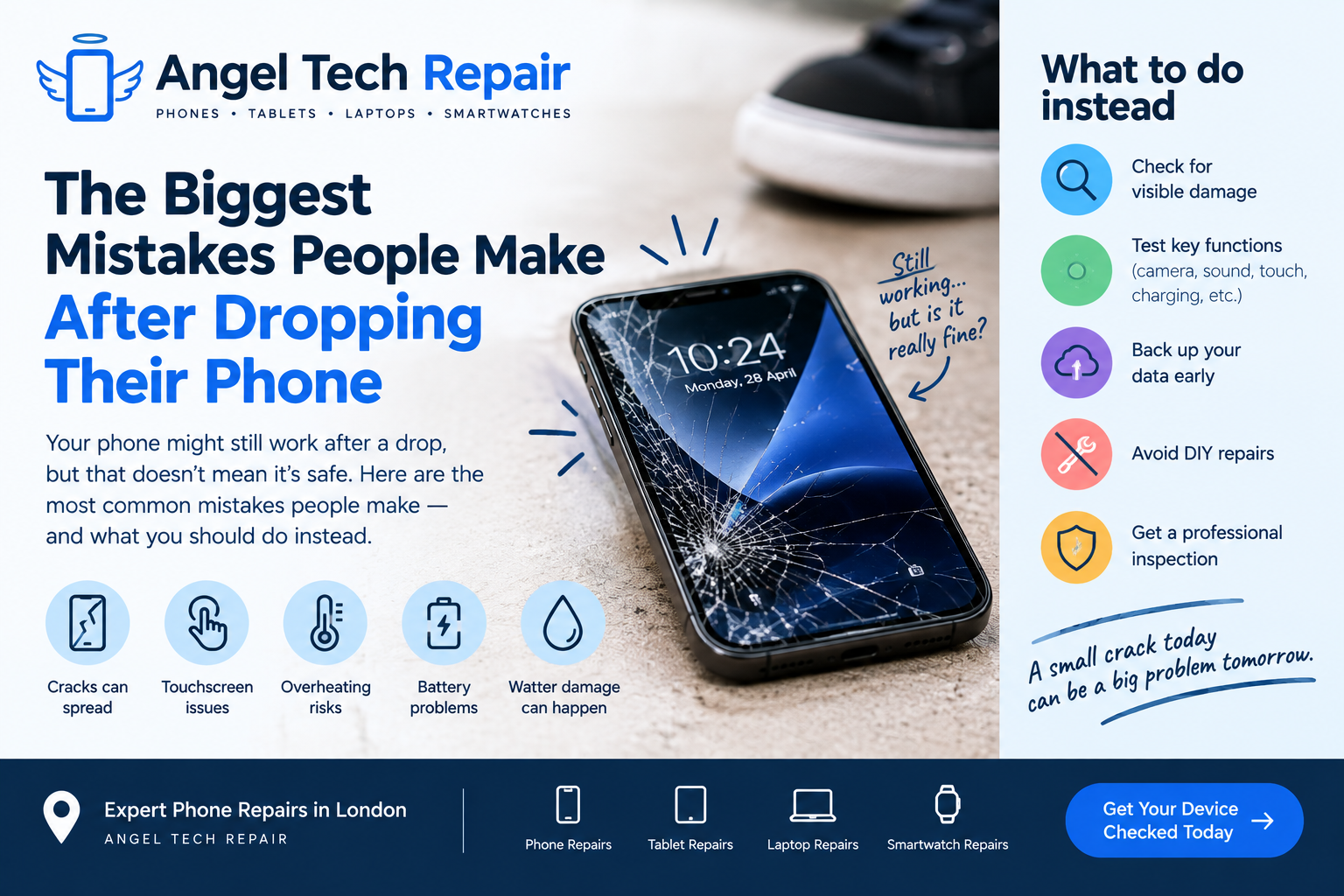
What you do in the minutes and hours after dropping your phone can make a big difference. Here are some of the biggest mistakes people make after dropping their phone — and what you should do instead.
1. Assuming It’s Fine Because It Still Works
This is probably the most common mistake.
A phone can continue functioning after an impact even when internal components, the display or battery have been damaged.
Look carefully for:
- Cracks or chips in the screen
- Flickering or lines on the display
- Touchscreen problems
- Camera issues
- Unusual heating
- Charging problems
- Damaged buttons
- Network or Wi-Fi problems
- Unexpected restarts or shutdowns
A phone that turns on isn’t necessarily a phone that’s undamaged.
Apple warns that an iPhone or its battery can be damaged by being dropped or subjected to impacts, and recommends stopping use if you suspect damage.
2. Continuing to Use a Severely Cracked Screen
A small crack might seem like nothing more than a cosmetic issue, but badly cracked glass can become a genuine problem.
Sharp edges can cause cuts, while additional impacts can cause the damage to spread.
Touch functionality can also become unreliable.
If the screen is badly damaged, avoid pressing hard on the cracked areas and consider getting the device professionally inspected.
Apple specifically advises against using an iPhone with cracked glass because it can cause injury.
3. Pressing Down on a Lifted Screen
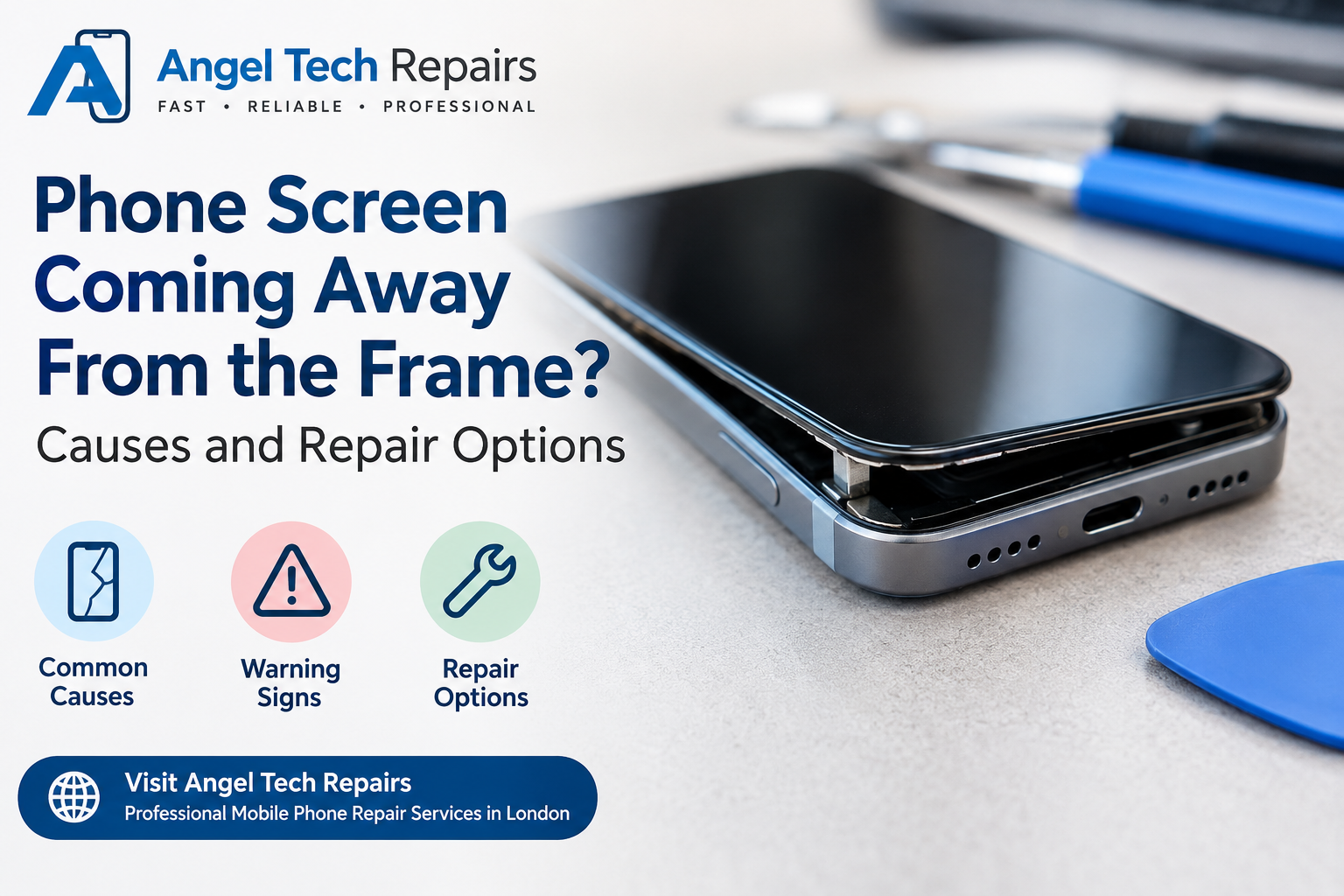
If your phone has been dropped and the screen is separating from the frame, don’t push it back down.
A lifting screen can indicate damage underneath the display. In some cases, it can also be associated with battery problems.
Instead of applying pressure, switch the device off if you suspect serious damage and have it inspected by a qualified technician.
4. Charging the Phone Immediately After a Drop
If your phone has suffered a significant impact, don’t automatically plug it into a charger just to check whether it still charges.
If the impact has damaged the battery, charging could potentially create additional safety risks.
If the phone is unusually hot, swollen, smells strange or has suffered major physical damage, stop using it and seek professional assistance.
Apple advises discontinuing use if you suspect damage to an iPhone or its battery because damaged components can cause overheating or injury.
5. Ignoring a Phone That Gets Hot
A phone becoming noticeably hotter than normal after being dropped is something you shouldn’t ignore.
Heat can have several causes, but if unusual heating starts immediately after physical damage, it’s worth having the device checked.
Pay particular attention if the phone also shows:
- Battery percentage dropping unusually quickly
- Unexpected shutdowns
- A swollen appearance
- A burning or unusual smell
- Screen separation
When in doubt, stop using the phone and get professional advice.
6. Testing the Phone by Dropping It Again
It sounds obvious, but some people will give a damaged phone another shake, tap or impact to see whether something changes.
Don’t.
Every additional impact can potentially turn a minor problem into a major repair.
If something isn’t working after the first drop, a proper diagnostic check is much safer than experimenting with the device.
7. Trying to Repair It With Household Tools
A cracked screen can make DIY repair look tempting.
You might find videos showing how to open a phone and replace a component yourself, but modern smartphones contain delicate components, connectors and batteries.
Opening a device incorrectly can cause additional damage.
Apple recommends that iPhones be serviced by trained technicians and warns that disassembly can damage the device or create safety risks.
If you’re not experienced with phone repairs, professional repair is usually the safer option.
8. Forgetting to Back Up Your Data
If your phone is still working after a drop, back up your important data as soon as possible.
Photos, contacts, messages, documents and other important information can be difficult to recover if the device later stops working.
Don’t wait until the screen becomes completely unusable.
If the phone is functioning normally and you can safely access it, back up your data while you still have the opportunity.
9. Assuming a Cracked Screen Is the Only Problem
A visible crack naturally gets your attention, but the impact may have affected other components too.
Depending on the severity of the drop, problems can potentially involve:
- Cameras
- Speakers
- Microphones
- Charging ports
- Buttons
- Sensors
- Battery
- Internal connections
That’s why a proper diagnosis can be useful, particularly after a hard impact.
10. Getting the Phone Wet After Dropping It
Another mistake is assuming that a phone’s water resistance means it’s safe after physical damage.
Water and dust resistance aren’t permanent conditions, and impacts can affect a device’s physical integrity.
If your phone has been dropped and the screen or body is damaged, be particularly careful around liquids.
If the phone does get wet, don’t immediately connect a charger.
Apple advises disconnecting cables and allowing a wet iPhone to dry completely before charging. It also advises against using external heat, compressed air or putting the phone in rice.
11. Putting the Phone in Rice
The old “put your phone in rice” trick is still widely recommended online.
It’s not a good solution.
Apple specifically advises against putting a wet iPhone in rice because small particles can potentially damage the device.
Instead, disconnect cables, keep the device in a dry area with airflow and follow the manufacturer’s guidance for liquid exposure.
12. Waiting Until the Phone Completely Fails
Perhaps the biggest mistake is simply waiting.
You might think:
“It’s working for now, so I’ll deal with it later.”
But a damaged phone can develop problems over time.
A small screen crack can spread. Touch functionality can deteriorate. Charging may become unreliable. An impact-related internal problem may become more obvious later.
Getting the device checked early can help you understand the extent of the damage and your repair options.
What Should You Do Immediately After Dropping Your Phone?
Instead of panicking, follow these simple steps.
Step 1: Inspect the phone
Look at the screen, frame, back and camera area for obvious damage.
Step 2: Check basic functions
If the device appears safe to use, check the touchscreen, camera, speakers, microphone, charging and connectivity.
Step 3: Watch for unusual heat
If the device becomes unusually hot or shows signs of battery damage, stop using it.
Step 4: Back up your data
If the phone is functioning normally, back up important information as soon as possible.
Step 5: Avoid DIY repairs
Don’t open the phone or attempt to manipulate damaged components unless you’re properly equipped and experienced.
Step 6: Get professional help
If there’s significant damage or you’re unsure whether the phone is safe, have it inspected by a professional technician.
When Should You Get Your Phone Repaired?
Consider getting your phone professionally checked if you notice:
- A cracked or shattered screen
- Touchscreen problems
- Display lines or flickering
- Camera or speaker problems
- Charging issues
- Unusual battery drain
- Overheating
- Screen separation
- Water exposure after the drop
- Unexpected shutdowns
The good news is that a dropped phone doesn’t automatically mean you need a new phone.
Depending on the damage, a repair may be all that’s needed.
Professional Phone Repair at Angel Tech Repair
If you’ve dropped your phone and aren’t sure what to do next, Angel Tech Repair provides professional phone repair services in London.
The company specialises in smartphone repairs, including screen replacement, battery replacement, connectivity repairs, water-damage repair, camera and speaker repairs, and software repairs. Angel Tech also provides tablet, laptop and smartwatch repair services.
Their repair process includes diagnosing the device, carrying out the approved repair and testing the device before returning it to the customer.
Rather than ignoring a damaged phone until it stops working, getting it assessed can help you understand what’s actually wrong and whether repair is worthwhile.
Dropped your phone? Don’t panic — but don’t ignore it either.
Visit Angel Tech Repair to learn more about phone repair services and arrange a professional assessment.
Final Thoughts
Dropping your phone doesn’t always mean disaster.
However, the biggest mistake is assuming that everything is fine simply because the phone still turns on.
Check for visible damage, watch for unusual behaviour, protect your data and avoid DIY fixes that could make the situation worse.
And if something doesn’t seem right, get your phone checked before a small problem becomes a much bigger one.
If it needs a technician, our phone repair in Islington page explains what we fix and how the free quote works, or you can book a repair online.