

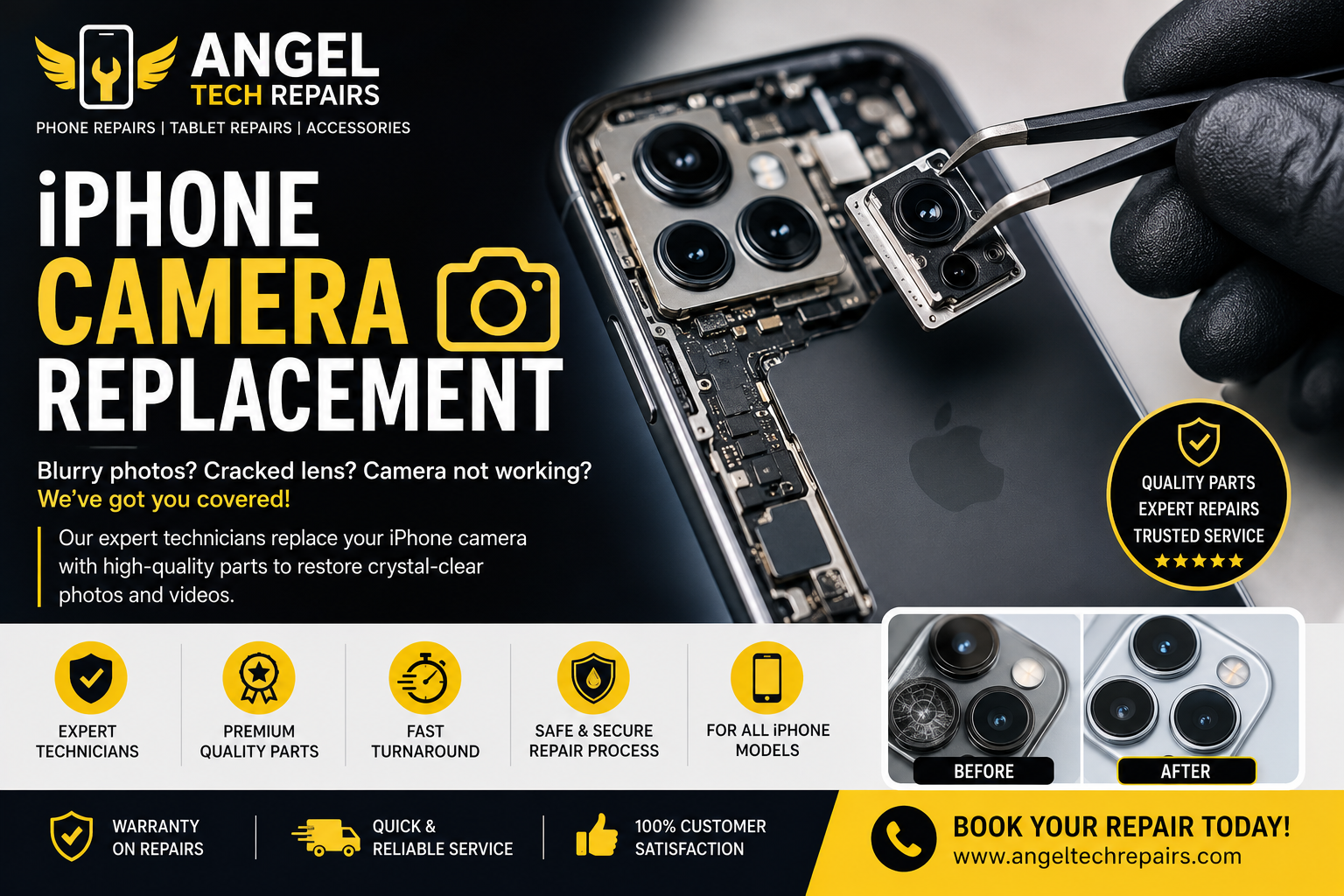
Phone Camera Not Focusing? Causes and Repair Options
Introduction
A smartphone camera is one of the most frequently used features on a modern phone. Whether you are taking photos, recording videos, joining video calls, or scanning documents, you expect the camera to focus quickly and clearly.
But what happens when your phone camera suddenly stops focusing?
You may notice blurry photos, a camera that constantly tries to focus, difficulty focusing on nearby objects, or a camera that remains completely blurry regardless of what you do. While the problem can sometimes be caused by something simple, such as a dirty camera lens, it can also indicate a software or hardware issue.
Understanding the possible causes can help you determine whether you can fix the problem yourself or whether your phone needs professional repair.
Why Is My Phone Camera Not Focusing?
There are several reasons why a smartphone camera may struggle to focus. The problem could be related to the lens, camera software, physical damage, or the camera’s internal focusing mechanism.
Here are some of the most common causes.
1. A Dirty or Smudged Camera Lens
One of the simplest explanations for a blurry camera is a dirty lens.
Fingerprints, dust, grease, and other particles can accumulate on the camera lens. Even a small amount of dirt can affect the amount of light reaching the camera sensor and make images appear blurry.
Before assuming that your camera is damaged, gently clean the camera lens with a soft, lint-free microfiber cloth.
Avoid using abrasive materials or applying cleaning liquids directly to the phone.
2. Your Phone Case or Camera Protector May Be Interfering
Some phone cases and camera lens protectors can affect image quality.
If a case does not fit correctly around the camera, it may partially block the lens. Similarly, a low-quality or damaged camera lens protector can create reflections, haze, or blurry areas in photographs.
Try removing the case or lens protector temporarily and test the camera again.
If the camera starts focusing normally, the accessory may be responsible for the problem.
3. Camera Software Problems
Sometimes the camera hardware is working correctly, but the software controlling it is experiencing a temporary problem.
A camera application may freeze, fail to adjust focus, or behave unexpectedly after an operating system update or application error.
You can try:
- Closing and reopening the camera app
- Restarting your phone
- Installing available software updates
- Checking whether other camera applications have the same problem
- Resetting camera settings if the phone provides that option
If the camera works normally after restarting the device, the problem may have been temporary.
4. The Camera May Be Trying to Focus on the Wrong Object
Modern smartphones use autofocus systems to determine what should appear sharp in an image.
If there are several objects at different distances, the camera may sometimes focus on the wrong subject.
Try tapping the object or person you want to focus on before taking the photo.
If the camera focuses correctly after tapping the screen, there may not be a hardware problem.
5. Physical Damage Can Affect Autofocus
If your phone has recently been dropped or hit, the camera may have suffered internal damage.
A strong impact can affect the camera module, lens assembly, autofocus mechanism, or other internal components.
You may notice symptoms such as:
- The camera constantly hunting for focus
- Photos remaining blurry
- Focus working only at certain distances
- Unusual clicking or buzzing from the camera
- Camera shaking unexpectedly
- Problems appearing immediately after a drop
In these situations, professional inspection may be necessary.
6. Water or Liquid Damage
Liquid exposure can cause a range of problems inside a smartphone, including camera issues.
Even if the phone appears to work normally after being exposed to water, moisture may affect internal components over time.
If your camera became blurry after liquid exposure, avoid repeatedly testing or charging the device and consider having it professionally inspected.
Internal corrosion can become more serious if it is not addressed.
7. Damaged Camera Lens
A cracked or scratched camera lens can make it difficult for the camera to produce clear images.
Small scratches may create glare or hazy areas, while a cracked lens can allow dust or moisture to reach the camera module.
If the camera lens is physically damaged, cleaning the surface will not solve the underlying problem. Depending on the phone model and extent of damage, the lens or camera assembly may need to be replaced.
8. Problems With the Camera Module
The camera module contains several small components that work together to capture images and achieve focus.
If the module itself develops a fault, the camera may stop focusing correctly even though the phone’s software is working normally.
A faulty camera module may require replacement rather than a software fix.
A professional technician can test the camera and determine whether the issue is related to the module or another part of the phone.
How to Test a Phone Camera That Won’t Focus
Before arranging a repair, you can perform a few simple checks.
First, clean the camera lens carefully. Then restart your phone and open the camera application again.
Try focusing on objects at different distances. Test both the front and rear cameras if your phone has multiple cameras.
You can also check whether the problem affects photos, videos, or both.
If only one camera lens is affected, this can provide useful information about where the problem may be located.
If the camera remains blurry after these basic checks, professional diagnosis may be the next step.
Can a Phone Camera Be Repaired?
In many cases, yes. The repair depends on what is causing the problem.
A technician may be able to resolve the issue through cleaning, software troubleshooting, lens replacement, or camera module replacement.
For example, if the problem is caused by a damaged camera module, replacing the module may restore normal focusing. If the issue is caused by a damaged external lens, the appropriate repair may be different.
The exact repair process depends on the phone model and the type of damage.
Repair or Replace the Phone?
A camera focusing problem does not necessarily mean that you need to replace your entire phone.
If the phone is otherwise working well, repairing the camera may be a practical option. Professional diagnosis can help determine whether the repair is straightforward or whether there are additional problems affecting the device.
The age of the phone, repair cost, overall condition, and availability of replacement parts can all be considered when deciding what to do next.
When Should You Get Professional Phone Repair?
You should consider professional inspection if:
- The camera remains blurry after cleaning the lens
- Autofocus stopped working after a drop
- The camera makes unusual noises
- The lens is cracked or scratched
- The phone has suffered liquid damage
- One camera works while another does not
- The camera shakes or vibrates unexpectedly
- Photos remain blurry after restarting the phone
Continuing to use a damaged camera may not resolve the underlying problem. A technician can inspect the device and identify the cause.
Professional Phone Repair in London
If your phone camera is not focusing properly, Angel Tech Repairs – Islington can help diagnose phone hardware and software problems.
A professional repair service can inspect the camera, identify the underlying fault, and explain the available repair options. This can be particularly useful when the problem follows accidental damage, liquid exposure, or a sudden camera malfunction.
Final Thoughts
A phone camera that suddenly becomes blurry can be frustrating, especially when you rely on your smartphone for photography, work, communication, and everyday tasks.
The cause may be as simple as a dirty lens or incorrect focus selection, but persistent focusing problems can also point to a damaged camera module, lens, or internal component.
Start with basic troubleshooting such as cleaning the lens and restarting the phone. If the problem continues, professional phone repair can help identify the exact cause and determine whether the camera can be repaired or needs a replacement component.
For phone camera problems and other smartphone repair needs in London, visit Angel Tech Repairs to arrange professional assistance.