
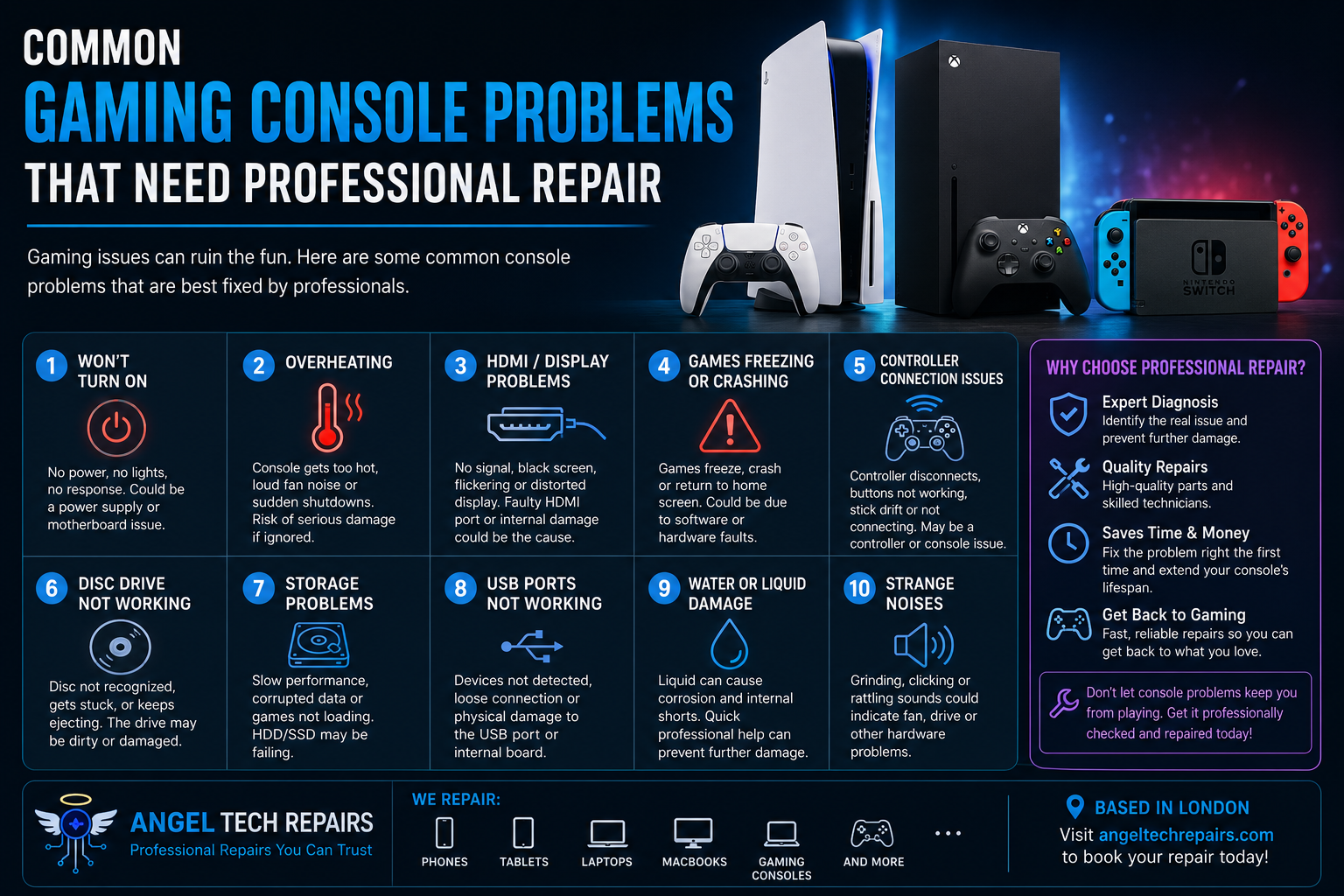
Introduction
Gaming consoles have become an essential part of home entertainment. Whether you enjoy competitive online gaming, single-player adventures, or casual gaming with friends and family, a reliable console is important.
But like any electronic device, gaming consoles can develop faults over time. Some problems are simple enough to troubleshoot at home, while others require professional diagnosis and repair.
Trying to fix a complicated hardware problem yourself can sometimes cause further damage. If your console is showing persistent symptoms, professional repair can help identify the underlying issue and get you back to gaming.

1. Gaming Console Won’t Turn On
One of the most worrying problems is a console that refuses to power on.
You may press the power button and see no lights, no display and no response. In some cases, the console may briefly turn on before shutting itself down.
Possible causes include:
Power supply problems
Damaged internal components
Faulty power connections
Overheating
Motherboard or circuit-board faults
Internal component failure
If checking the power cable and socket doesn’t solve the problem, avoid repeatedly attempting to turn the console on. A professional technician can diagnose whether the problem is related to the power system or internal hardware.
2. Console Overheating
Gaming consoles generate considerable heat during intensive gaming sessions. Cooling fans and internal ventilation systems are designed to keep temperatures under control.
If your console becomes unusually hot, makes loud fan noises, shuts down unexpectedly or displays overheating warnings, there may be a cooling problem.
Common causes include:
Dust buildup
Blocked ventilation
Faulty cooling fans
Poor thermal performance
Internal hardware problems
Continuing to use an overheating console can potentially lead to more serious damage. Professional cleaning, inspection and component repair may be necessary.
3. HDMI Port or Display Problems
A console that powers on but produces no picture can be frustrating.
You might see:
A black screen
Intermittent display
Flickering
No signal message
Distorted graphics
Display that cuts out when the HDMI cable moves
First, check the HDMI cable, television input and another HDMI port if available. If the problem continues, the console’s HDMI port or internal display circuitry could be damaged.
A damaged HDMI port is a hardware problem that is usually best handled by an experienced repair technician.
4. Games Freezing or Crashing
Does your game repeatedly freeze, crash or return to the home screen?
Occasional software crashes can happen, but frequent problems may indicate something more serious.
Potential causes include:
Corrupted system software
Storage problems
Overheating
Faulty hardware
Damaged game data
Internal component failure
Before assuming the console needs repair, try updating the system software and checking whether the problem occurs with multiple games.
If several games are affected, professional diagnostics can help determine whether the console itself is responsible.
5. Controller Connection Problems
Sometimes the console works perfectly, but the controller doesn’t.
You may experience:
Controller disconnecting randomly
Buttons not responding
Stick drift
Charging problems
Bluetooth connection issues
Console failing to recognise the controller
Try charging the controller, reconnecting it and testing another compatible controller.
If the problem remains limited to one controller, the controller itself may need repair or replacement. If multiple controllers experience connection problems, the console’s wireless or USB hardware could be involved.
6. Console Not Reading Discs
For disc-based consoles, problems reading games or movies can prevent you from using your physical collection.
Typical symptoms include:
Disc not recognised
Disc repeatedly ejecting
Disc getting stuck
Console making unusual noises
Games taking a long time to load
A dirty or damaged disc can sometimes be the cause. However, if multiple discs fail to work, the optical drive may need professional attention.
Avoid forcing a stuck disc out of the console, as this can damage the drive or other internal components.
7. Storage Problems
Modern games can require significant storage space, and a failing internal drive can cause more than simply running out of room.
Warning signs can include:
Games taking unusually long to load
Corrupted game files
Frequent crashes
Missing data
System errors
Console becoming unusually slow
If you suspect the storage hardware is failing, back up important data where possible and seek professional advice before the problem becomes worse.
8. USB Ports Not Working
USB ports are commonly used for controllers, external storage, charging accessories and other peripherals.
If a USB port stops working, the cause could be debris, physical damage, a damaged connector or an internal circuit problem.
Don’t force a cable into a damaged port. A professional technician can inspect the connection and determine whether the port can be repaired.
9. Water or Liquid Damage
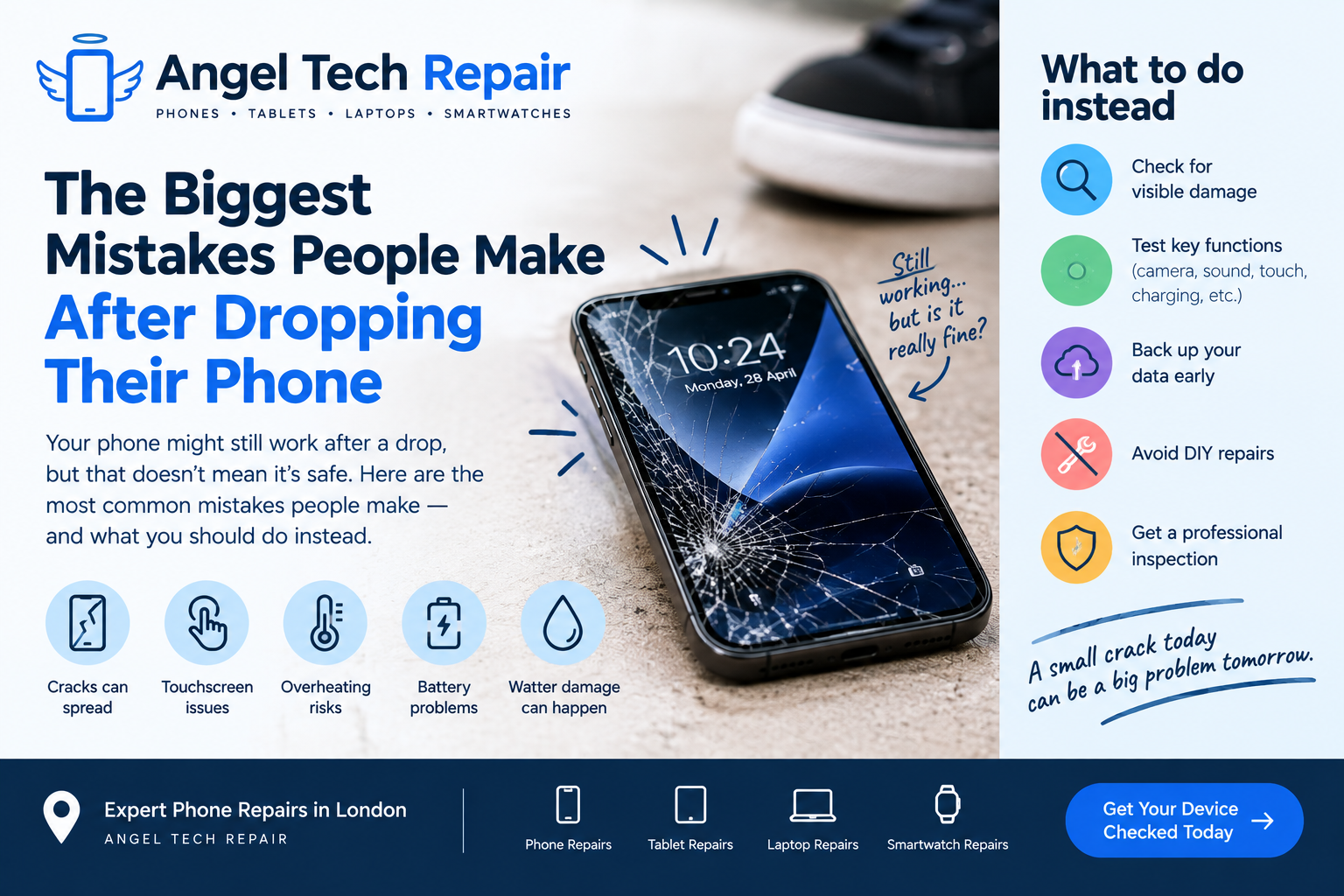
Accidentally spilling a drink near your gaming console can create a serious problem.
Even if the console appears to work immediately after liquid exposure, moisture can remain inside and potentially cause corrosion or electrical problems later.
If your console has been exposed to liquid:
Turn it off immediately.
Disconnect the power.
Don’t continue testing it.
Don’t use excessive heat to dry it.
Have it professionally inspected as soon as possible.
Professional cleaning and diagnostics can help determine the extent of the damage.
10. Strange Noises
A gaming console will normally produce some fan or drive noise, particularly during demanding games. However, sudden grinding, clicking, buzzing or rattling sounds should not be ignored.
Unusual noises may indicate:
Fan problems
Dust buildup
Mechanical drive issues
Loose internal components
Hardware failure
Continuing to use a console with a suspected mechanical problem could make the damage worse.
When Should You Choose Professional Console Repair?
Not every gaming problem requires a repair shop. Simple issues such as a loose cable, incorrect display input or a controller that needs charging can often be resolved at home.
Professional repair becomes more appropriate when:
The console won’t power on.
It repeatedly shuts down.
It overheats.
The HDMI port is damaged.
Multiple games crash or freeze.
The console doesn’t recognise discs.
USB ports stop working.
Liquid has entered the device.
There are unusual internal noises.
The problem keeps returning after basic troubleshooting.
A professional technician can diagnose the actual cause rather than simply replacing parts unnecessarily.
Repair or Replace Your Gaming Console?
When a console develops a problem, you may wonder whether repairing it is worthwhile.
Repair can make sense when the console is otherwise in good condition and the fault is limited to a particular component. Replacing a damaged port, repairing a connection or resolving a hardware issue may be considerably more practical than immediately purchasing another console.
Replacement may be worth considering if the console has multiple major faults, is very old, or the repair cost approaches the price of a suitable replacement.
The best approach is to get a diagnosis and repair estimate before making a decision.
Choose Professional Device Repair in London
Angel Tech Repairs provides professional electronic device repair services in London, with its website highlighting repairs for smartphones, tablets, laptops, MacBooks, iPads and gaming-related computers. The company says its repair process involves diagnosing the device, carrying out the approved repair using quality parts and then testing the device before returning it.
If your gaming equipment is experiencing a persistent hardware problem, professional diagnosis can help you understand what’s wrong and whether repair is worthwhile.
Final Thoughts
Gaming console problems can range from simple connection issues to serious hardware faults. While basic troubleshooting is worth trying, persistent problems shouldn’t be ignored.
Overheating, power failures, HDMI problems, disc-drive faults, liquid damage and unusual noises can all be signs that your console needs professional attention.
Instead of risking further damage with a DIY repair, consider having the device properly diagnosed. The right repair could extend the life of your console and get you back to gaming without the expense of immediately buying a replacement.
Need professional device repair in London? Visit Angel Tech Repairs to learn more about repair services or book an appointment.