
Introduction
Few things are more frustrating than pressing the power button on your smartphone and getting absolutely no response. Whether the screen stays completely black, the phone shows a charging symbol but won’t start, or it keeps restarting, there can be several possible causes.
The good news is that a phone that won’t turn on isn’t necessarily beyond repair. Sometimes the problem is as simple as a drained battery or a software issue. In other cases, professional repair may be required.
At Angel Tech Repair, we specialise in smartphone repairs in London, including battery replacement, connectivity repairs, water-damage repair, and software troubleshooting.
Here’s what you can check if your phone won’t turn on.
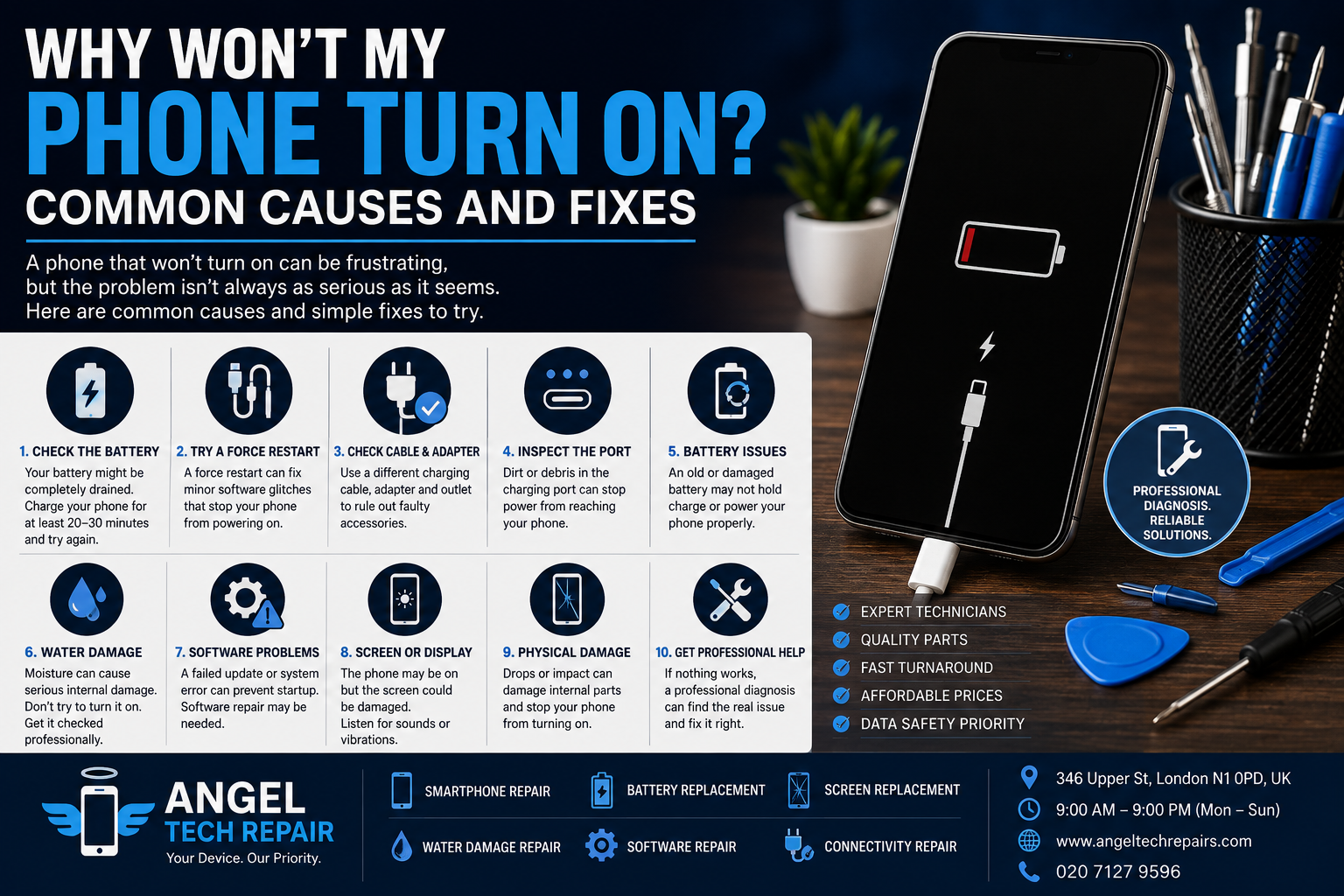
1. Check If the Battery Is Completely Drained
The most obvious cause is also one of the easiest to overlook: your battery may be completely empty.
Connect your phone to a reliable charger and leave it charging for at least 20–30 minutes. If the battery has been completely drained, the phone may need some time before the screen shows any indication that it’s charging.
Try:
Using a different charging cable
Trying another wall adapter
Using a different power outlet
Checking the charging port for visible debris
Leaving the phone connected for a while before attempting to turn it on
If the phone still shows no signs of life, the charger, charging port, battery, or another internal component could be responsible.
2. Try a Force Restart
Sometimes a phone appears to be completely dead when the operating system has simply frozen.
A force restart can refresh the device without necessarily deleting your data.
The exact button combination depends on your phone model. For example, modern iPhones use a specific sequence involving the volume and side buttons, while Android devices can use different combinations depending on the manufacturer.
If you’re unsure about the correct procedure, check the manufacturer’s official instructions for your exact model.
3. Check the Charging Cable and Adapter
A faulty charging accessory can make a perfectly healthy phone appear to be dead.
If your phone isn’t responding while connected to its charger, try another compatible cable and power adapter.
Look for signs of damage such as:
Frayed cables
Bent connectors
Loose connections
Overheating
Intermittent charging
If the phone works with a different charger, the original accessory may be the problem rather than the phone itself.
4. Inspect the Charging Port
Dirt, dust and pocket debris can accumulate inside a charging port and prevent the connector from making proper contact.
If the port is blocked, your phone may not receive enough power to charge.
Avoid inserting sharp metal objects into the port, as this can damage delicate components.
If the port appears damaged, loose, or heavily contaminated, professional inspection is recommended.
Angel Tech Repair specifically offers connectivity repair, including charging-related problems.
5. Your Battery May Need Replacing
Smartphone batteries naturally lose capacity over time.
An aging or damaged battery may cause symptoms such as:
Rapid battery drain
Unexpected shutdowns
Difficulty charging
The phone turning off at higher battery percentages
The device failing to turn on
Unexpected restarts
If your phone previously had poor battery life and has now stopped turning on altogether, the battery could be one possible cause.
Angel Tech Repair provides battery replacement services designed to restore battery performance.
6. The Phone Could Have Suffered Water Damage
If your phone recently came into contact with water or another liquid, don’t assume that it’s safe simply because it initially worked.
Liquid can cause corrosion and electrical problems that appear later.
If your phone gets wet:
Disconnect it from power.
Don’t repeatedly try to turn it on.
Don’t connect it to a charger.
Avoid using heat to dry it.
Have it professionally inspected as soon as possible.
Angel Tech Repair offers water-damage cleaning and repair to help diagnose and recover devices affected by moisture.
7. A Software Problem Could Be Preventing Startup
Not every power problem is caused by hardware.
A failed update, corrupted software, application conflict, or system error can sometimes prevent a smartphone from starting normally.
You may notice warning signs such as:
The phone repeatedly restarting
Getting stuck on the manufacturer’s logo
A black screen despite the phone appearing to be active
The device freezing during startup
Problems beginning immediately after an update
Angel Tech Repair also provides software repair for system errors, slow performance, and other software-related problems.
8. Check Whether the Screen Is the Real Problem
Sometimes the phone itself is working but the display isn’t.
For example, you might hear notification sounds, feel vibrations, or hear the phone ringing even though the screen remains black.
In this situation, the problem could be related to the display, connector, or another component rather than the phone’s power system.
Try calling the phone from another device. If it rings or vibrates, that’s a useful indication that the phone may still be operating.
Angel Tech Repair provides screen replacement and smartphone repair services for damaged or faulty devices.
9. Physical Damage Could Be the Cause
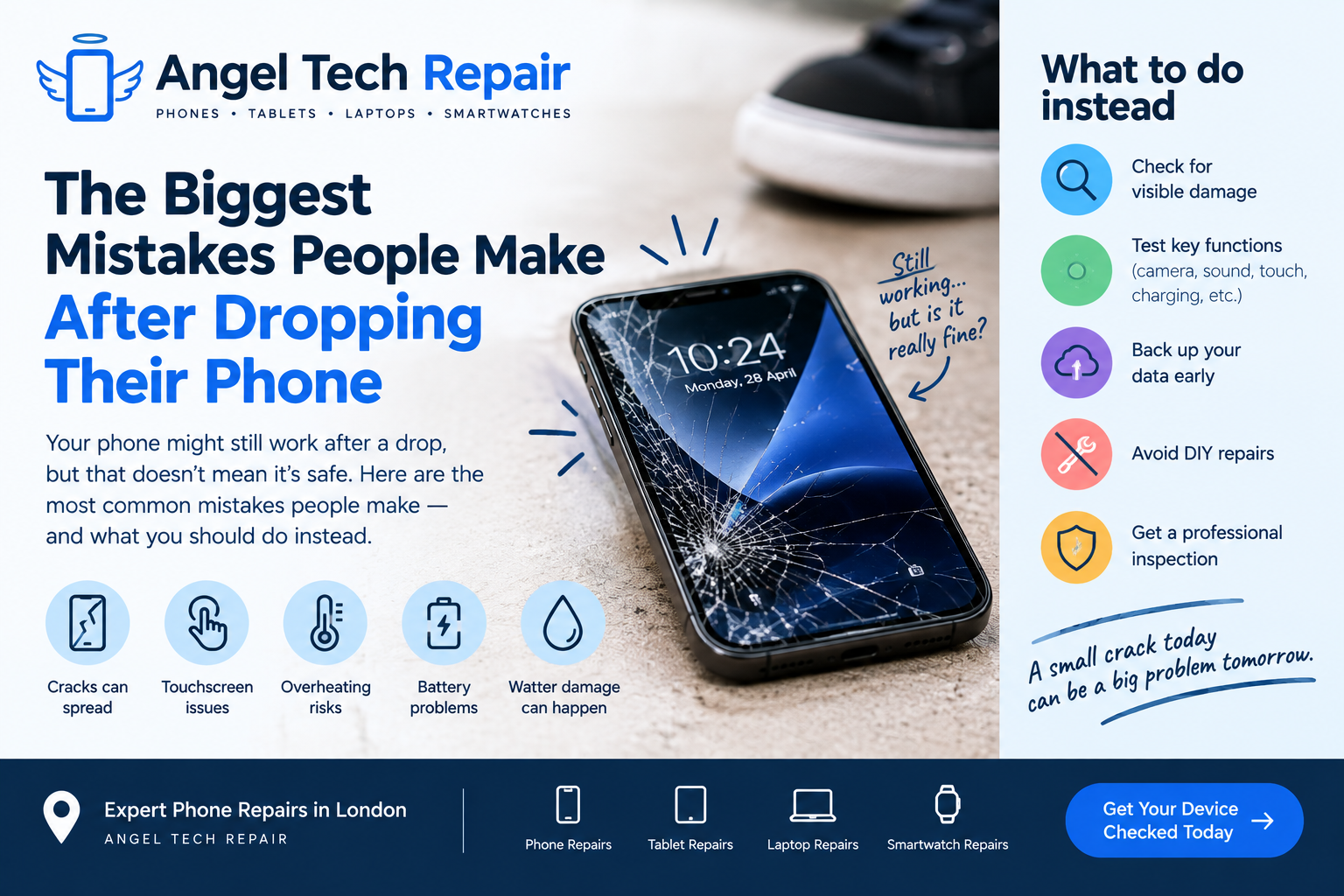
If the phone has recently been dropped, crushed, or exposed to significant impact, internal damage could prevent it from powering on.
Even when the outside of a phone looks relatively normal, an impact can affect internal connectors, the battery, charging components, display, or motherboard.
In these situations, repeatedly attempting to turn the phone on may not solve the problem. A professional diagnostic inspection is a better approach.
When Should You Get Professional Phone Repair?
If you’ve tried a known-good charger, allowed the phone to charge, and attempted the appropriate restart procedure without success, it’s worth getting professional help.
You should especially consider professional repair if:
The phone was dropped
It has been exposed to water
The charging port is damaged
The battery appears swollen or damaged
The phone becomes unusually hot
The device repeatedly restarts
The screen remains black while the phone appears active
You need important data recovered
A technician can diagnose the device rather than replacing parts unnecessarily.
How Angel Tech Repair Can Help
Angel Tech Repair is a London smartphone repair specialist offering repairs for iPhone, Samsung, Google and other smartphones, alongside tablet, laptop and smartwatch repairs.
Their repair process involves diagnosing the device, identifying the problem, carrying out the approved repair, and testing the device before returning it to the customer.
Services include:
Smartphone repair
Battery replacement
Screen replacement
Charging and connectivity repair
Water-damage repair
Software repair
Camera and speaker repair
Angel Tech Repair is located at 346 Upper St, London N1 0PD, UK, and lists opening hours of 9:00 AM to 9:00 PM, Monday to Sunday.
Final Thoughts
A phone that won’t turn on doesn’t always mean you need a new device. The problem could be something relatively simple, such as a drained battery, faulty charger, blocked charging port, or temporary software issue.
However, if basic troubleshooting doesn’t work—or if the phone has suffered water or physical damage—professional diagnosis can help identify the real cause and prevent unnecessary repairs.
If your smartphone won’t turn on and you need professional assistance, visit Angel Tech Repair to learn more about their smartphone repair services or book a repair.
Angel Tech Repair — professional smartphone repairs in London.