
Broken Laptop Keyboard? Professional Replacement Can Save Your Device
Introduction
At Angel Tech Repairs, we provide professional laptop keyboard replacement services for all major brands, helping customers get back to work, study, or gaming with minimal downtime.
Common Signs You Need a Laptop Keyboard Replacement
Not every keyboard issue requires a new laptop. In many cases, only the keyboard needs replacing.
Common symptoms include:
- Keys that don’t respond
- Missing or broken keys
- Sticky or jammed keys
- Multiple keys typing incorrect characters
- Keyboard stops working after a liquid spill
- Backlight no longer functioning
- Intermittent typing issues
If you’re experiencing any of these problems, a professional diagnostic can determine whether the keyboard or another component is at fault.
What Causes Laptop Keyboard Failure?
Laptop keyboards are used every day, making them one of the most heavily used components of any device.
Some of the most common causes include:
Liquid Damage
Coffee, tea, water, and soft drinks can quickly damage the keyboard’s internal circuitry. Even if the laptop continues working, corrosion may develop over time and cause keys to fail.
Physical Wear
After years of daily use, keys may become loose, worn, or unresponsive due to normal wear and tear.
Dust and Debris
Dust, crumbs, and dirt can build up beneath the keys, affecting their movement and responsiveness.
Accidental Damage
Dropping the laptop or applying excessive pressure can damage the keyboard assembly or internal connectors.
Electrical Faults
In some cases, keyboard issues may be caused by damaged ribbon cables or motherboard faults rather than the keyboard itself. Professional diagnostics help identify the exact problem before any repairs are carried out.
Can a Laptop Keyboard Be Repaired?
Minor issues such as a loose keycap or debris beneath the keys may sometimes be repaired.
However, if:
- Multiple keys have failed
- Liquid damage has occurred
- The keyboard has electrical faults
- The keyboard membrane is damaged
a full keyboard replacement is usually the most reliable and cost-effective solution.
What Happens During a Keyboard Replacement?
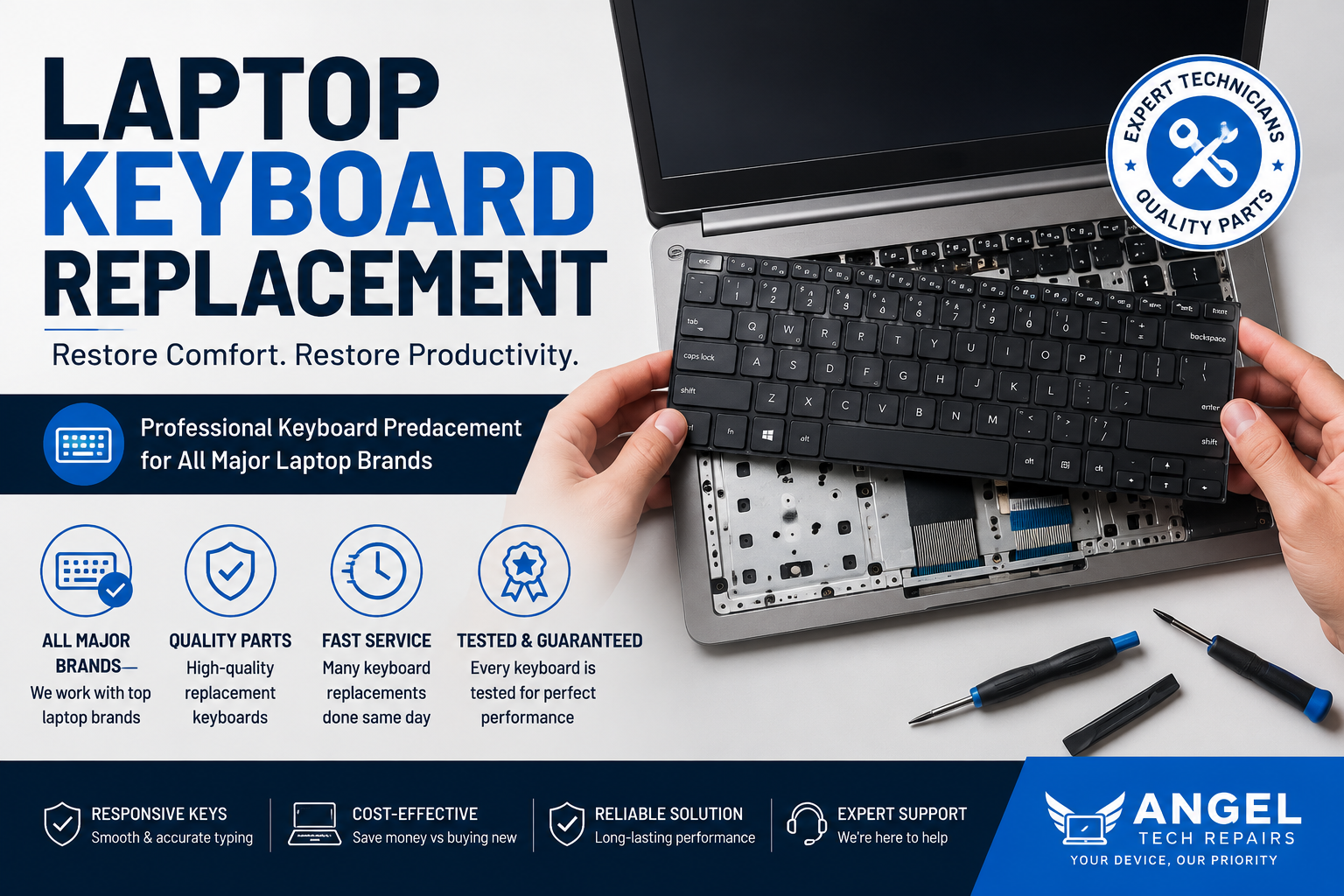
A professional keyboard replacement typically involves:
- Diagnosing the fault.
- Carefully dismantling the laptop.
- Removing the damaged keyboard.
- Installing a high-quality compatible replacement.
- Testing every key and keyboard function.
- Reassembling and cleaning the device.
Some laptops require complete disassembly to access the keyboard, making professional installation the safest option. Depending on the model and parts availability, many keyboard replacements can be completed the same day.
Should You Replace the Keyboard or Buy a New Laptop?
In most cases, replacing the keyboard is far more affordable than purchasing a new laptop.
A replacement is often worthwhile if:
- Your laptop performs well otherwise.
- The screen and battery are still in good condition.
- The keyboard is the only faulty component.
- You want to avoid transferring files to a new device.
Replacing the keyboard can significantly extend the life of your laptop while saving money.
Tips to Keep Your Laptop Keyboard in Good Condition
You can help prevent future problems by:
- Keeping food and drinks away from your laptop.
- Cleaning the keyboard regularly.
- Using a keyboard cover if appropriate.
- Avoiding excessive force when typing.
- Transporting your laptop in a protective case.
These simple habits can help extend the lifespan of your keyboard.
Why Choose Angel Tech Repairs?
At Angel Tech Repairs, we replace laptop keyboards for all major brands, including HP, Dell, Lenovo, ASUS, Acer, Apple MacBook, MSI, Samsung, and many others.
Our experienced technicians use quality replacement parts and carry out thorough testing before returning your device. Whether your keyboard has suffered liquid damage, broken keys, or complete failure, we’ll diagnose the issue accurately and recommend the most cost-effective solution.
Final Thoughts
A faulty keyboard doesn’t mean your laptop has reached the end of its life. In many cases, a professional keyboard replacement can restore full functionality quickly and at a fraction of the cost of buying a new device.
If your laptop keyboard has stopped working, don’t struggle with unresponsive keys. A professional inspection can identify the cause and get your laptop back to working like new.